Unable to Set Up GMV Max: Don't Cancel Your Full-Shop Campaign
Got 'Unable to set up GMV Max' because a full-shop campaign is running? What it means, why canceling can cost promo subsidies, and what to do instead.
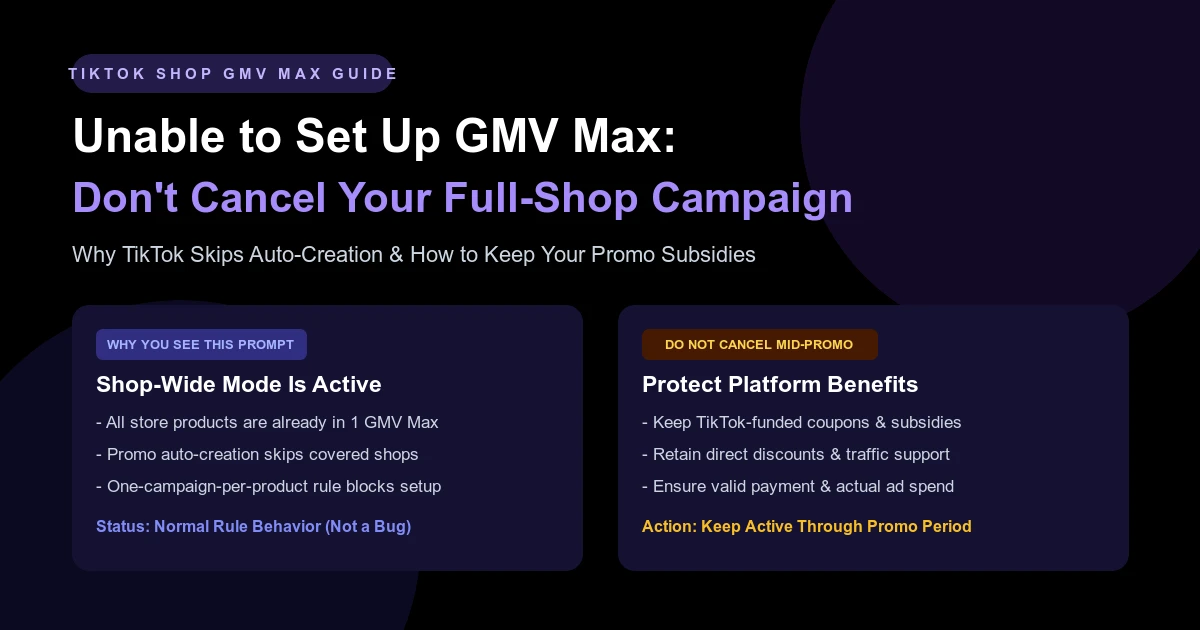
Unable to set up GMV Max Since there is an ongoing full-shop GMV Max, no additional ads will be created for you. Please do not cancel the current GMV Max, as you may lose its benefits.
This message isn't an account error or a policy violation. Your shop already has a GMV Max campaign promoting every product in your catalog, so TikTok won't build another one. Do not cancel your active campaign to force a new setup. With Black Friday and Cyber Monday (BFCM) weeks away, canceling now pulls your registered products out of GMV Max delivery—and you can lose eligibility for TikTok-funded coupons, direct discounts, and promotional traffic.
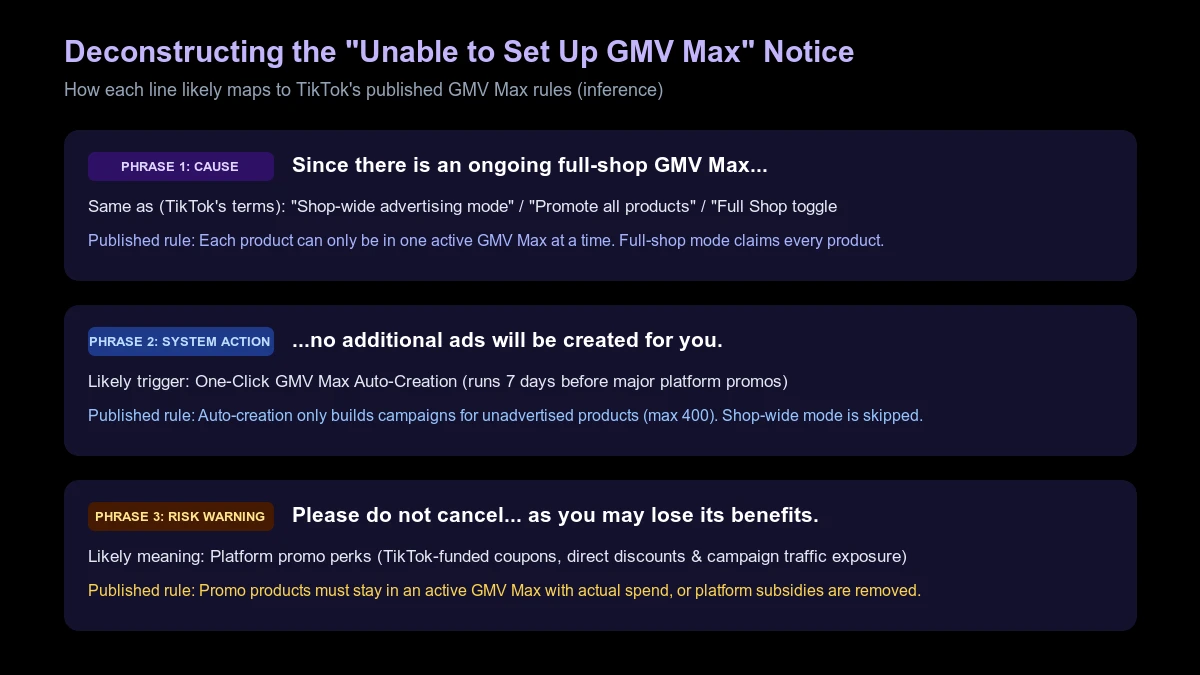
What This Notice Means (Line by Line)
TikTok hasn't published a help page explaining this exact prompt. Our reading—an inference based on two documented rules (promotional auto-creation and one-campaign-per-product exclusivity)—is that it shows up when you register products for a platform promotion or try to launch a new GMV Max campaign while shop-wide delivery is live.
1. "Since there is an ongoing full-shop GMV Max..."
TikTok refers to this mode in three ways: shop-wide advertising mode, Promote all products in TikTok Shop, and the Full Shop toggle. All three mean one GMV Max campaign promotes your entire catalog.
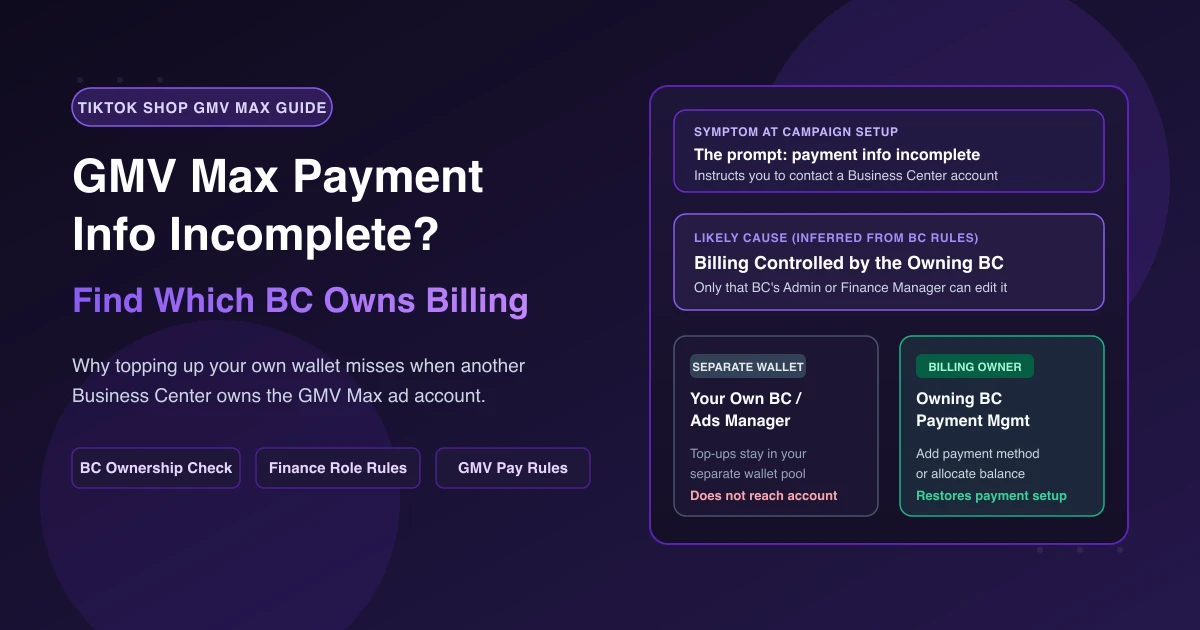
Per TikTok's Seller Center Product GMV Max creation guide, each product can only belong to one active GMV Max campaign at a time. If a product is already promoted in another Video Shopping Ad, Product Shopping Ad, or GMV Max campaign, you must remove it or close those campaigns first. In Full Shop mode, every store product is already occupied.
2. "...no additional ads will be created for you."
When you register products for major TikTok Shop promotions, one-click GMV Max auto-creation builds campaigns (up to 400 products per campaign, with a valid payment method and sufficient balance) for unadvertised items.
However, TikTok notes: "If your shop is currently in shop-wide advertising mode or your products have active ads campaign, the system will not perform autocreation." Seller University confirms auto-creation runs 7 days before a platform promotion starts (completing within 3 days) only for products without an existing GMV Max campaign. Since your full-shop campaign already covers those registered products, the system skips creation.
3. "Please do not cancel the current GMV Max, as you may lose its benefits."
The "benefits" here almost certainly refer to platform campaign benefits: TikTok-funded coupons, direct discounts, and traffic.
Seller University states: "All products under platform campaigns must maintain an active GMV Max campaign. If GMV Max is disabled, the product will lose eligibility for platform benefits, including subsidies (coupons and direct discounts) and traffic support." Turning off your campaign—or recording zero actual ad spend—removes coupons, product incentives, and campaign exposure.
Separately, if your store uses Commission Savings via GMV Max (where available), Commission Savings only applies to orders from active campaigns, TikTok advises keeping campaigns always-on, and changing products recalculates the offer and requirements.
Full-Shop vs. Specific Products: Setup Rules
| Dimension | Full-Shop GMV Max | Specific-Product GMV Max |
|---|---|---|
| TikTok Terms | Shop-wide advertising mode / Promote all products / Full Shop toggle | Specific products / Selected products |
| New Product GMV Max Allowed? | No. All store products are claimed by the shop-wide campaign. | Yes, for any product not active in another GMV Max, VSA, or PSA. |
| Promo Auto-Creation | Skipped. Registered products are already in an active GMV Max. | Runs 7 days pre-promo for unadvertised registered products (max 400 products/campaign). |
| Reduce Commission Module | For existing Full Shop campaigns, it is off by default and you cannot add products. | Clicking Apply turns on the all-products toggle and closes existing campaigns. |
Decision Guide: Keep or Change Your Current Campaign?
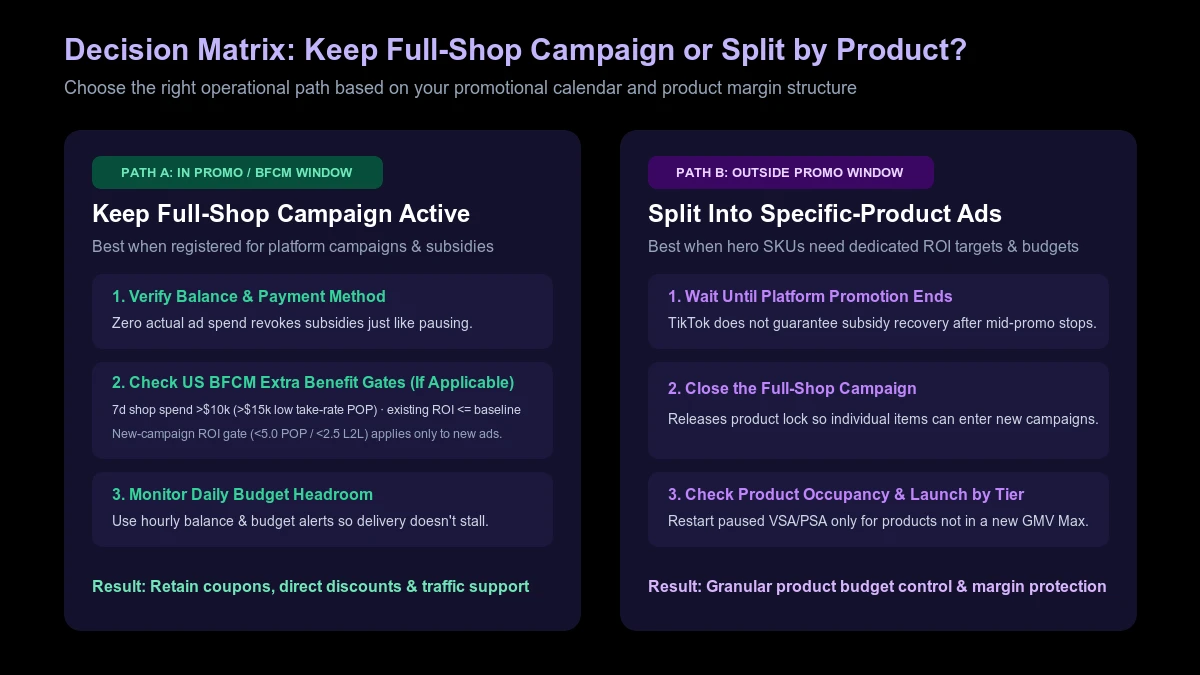
Option A: Keep Full Promo Benefits (Leave It Running)
If your priority is capturing promotional subsidies and traffic, leave your full-shop campaign running. Just check three things before the promo starts:
- Valid Payment and Balance: Seller University warns that if GMV Max is off or records no actual spend, subsidies and exposure are removed.
- Daily Budget Headroom: Ensure your daily budget won't cap out early during peak promo traffic.
- US BFCM Extra Benefit Gates (Where Applicable): Per TikTok's auto-creation overview, extra US BFCM benefits (such as traffic boosts and QCPX coupons) require 7-day shop ad spend over $10,000 (over $15,000 for low take-rate POP sellers), sufficient budget, existing campaign ROI targets no higher than the baseline period, and new campaign ROI targets below 5.0 (POP) or 2.5 (L2L). (Requirements vary across global markets outside the US.)
Option B: Split Hero SKUs Into Specific-Product Campaigns
Full-shop mode blends all items under one budget and target ROI. To isolate hero SKUs by margin—see our GMV Max product list strategy—you must close the full-shop campaign before you set up specific-product GMV Max campaigns.
Wait until the promotion ends. While Seller University confirms manually created campaigns can receive campaign benefits when used instead of auto-creation, TikTok also states that once a campaign stops, "the system will not auto-create again, and retry is not supported." Official docs do not guarantee that subsidies return if you cancel mid-promotion and rebuild manually. Check our BFCM automation SOP to schedule structural changes outside promo windows.
Frequently Asked Questions
Do auto-created GMV Max campaigns stop when the promotion ends?
No. They continue running after the promotional period unless you manually adjust or pause them.
If my GMV Max stops unexpectedly, will TikTok recreate it?
No. You receive a stop notification, retry is not supported, and you must create a new campaign manually. If you also rely on daily target return credits, see how pauses affect TikTok GMV Max ROI protection eligibility.
Will paused Video Shopping Ads (VSA) or Product Shopping Ads (PSA) restart if I close GMV Max?
No. Per TikTok's GMV Max guidelines, active Product GMV Max pauses same-product VSA and removes overlapping PSA items across all ad accounts, and closing GMV Max won't automatically restart them. See our guide on TikTok GMV Max not delivering for conflict checks.
Keep Your Full-Shop GMV Max Funded and Conflict-Free
With AdRate, you can set GMV Max rules to watch budget and ROI, pair them with hourly ad account balance checks, and get a Lark alert when a threshold is crossed—giving your team time to top up before delivery stops and promo subsidies drop. When you restructure after the sale, you can see which products are already tied up in active GMV Max campaigns before launching new ones and track store-level results across the switch.
Official TikTok new advertiser program - exclusive benefits for new advertisers
Open a new TikTok ad account and earn official ad credit as you spend
Spend $200 within 30 days of signing up and get $200 in ad credit, rising to $6,000 when you spend $10,000. Credits go straight into your TikTok ad campaigns.
Coupons are issued by TikTok once it confirms you qualify as a new advertiser. Actual issuance and tiers are shown on the Coupon Progress page inside your TikTok Ads account.