TikTok Ads Billing Threshold: Why You Keep Getting Charged
Seeing repeated TikTok Ads charges on automatic payment? How the billing threshold and bill date work, how to raise it, and what a failed charge does.
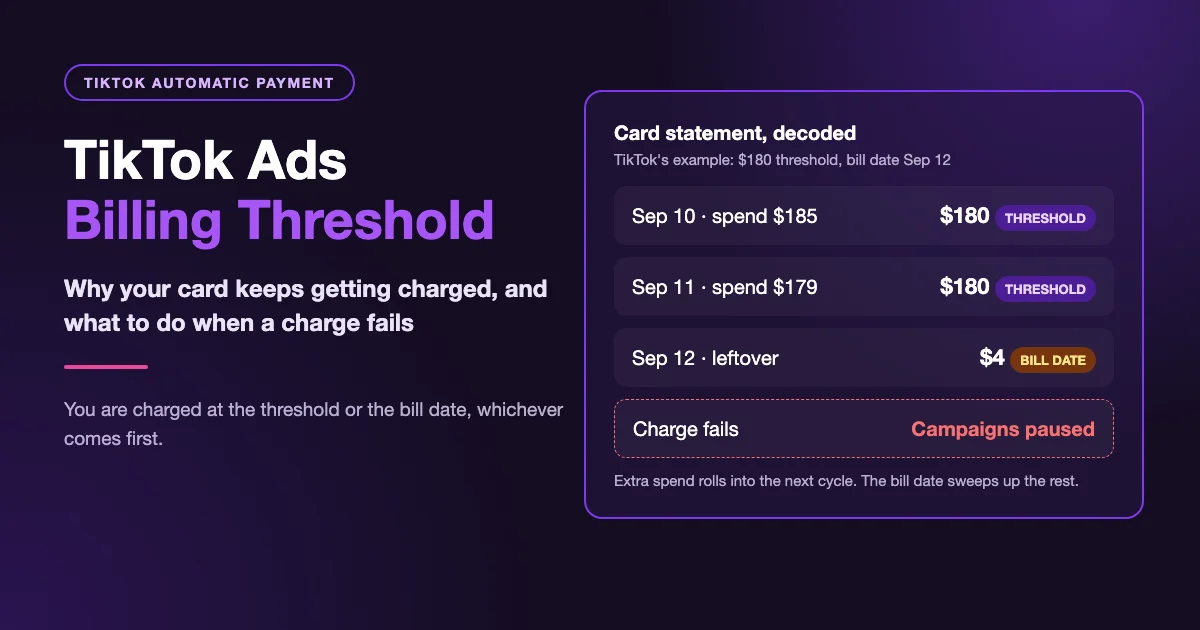
If your ad account is on automatic payment and your card shows a run of TikTok charges, some in round amounts and some as odd as $4, you are almost certainly looking at the TikTok Ads billing threshold at work, not a duplicate bill. TikTok charges your account when spend reaches the account's billing threshold or its bill date, whichever comes first. New accounts start with a low threshold, so early charges come often and small.
How the Billing Threshold and Bill Date Work
Either of two triggers can fire a charge:
- The billing threshold: a dollar amount assigned to your ad account. When unpaid spend reaches it, TikTok charges the card.
- The bill date: a weekly or monthly date that, per TikTok's automatic payment page, is based on your registration time and historical spending.
The part that's easy to miss: a threshold charge is for the threshold amount, not for what you spent that day. Anything above it rolls into the next cycle, and on the bill date TikTok sweeps up whatever is still unpaid, however small.
TikTok's Own Example: A $180 Threshold
TikTok's billing threshold help page walks through an account with a $180 threshold and a September 12 bill date:
| Date | Daily cost | Unpaid from before | Charged | Rolled over |
|---|---|---|---|---|
| Sep 10 | $185 | $0 | $180 (threshold) | $5 |
| Sep 11 | $179 | $5 | $180 (threshold) | $4 |
| Sep 12 | $0 | $4 | $4 (bill date) | $0 |
That $4 looks like a mistake on a statement. It's the bill date clearing the leftover.
In the second example, the account spends $100 and then $70, never reaching $180, so the full $170 is charged on September 12.
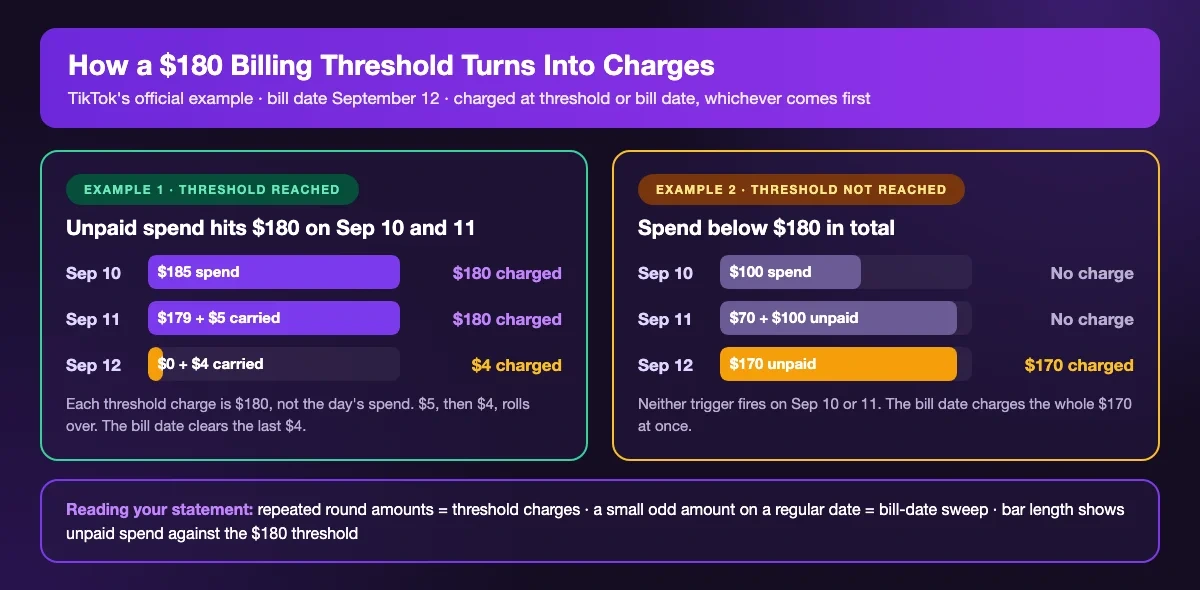
TikTok's examples go day by day. Our reading is that if daily spend is several times your threshold, you can see more than one threshold charge in a day, though the help page doesn't show that case.
What Is This Charge on My Card?
Before calling a charge unauthorized, match it here:
| What you see | What it usually is |
|---|---|
| The same round amount, repeated | Threshold charges |
| A small, odd amount on a regular date | The bill date clearing leftover spend |
| $10 or more right after adding a card | Card verification, which TikTok says it refunds within 15 days |
| A bit more than your spend | Tax may be included; see why TikTok charges VAT |
| Charges after you stopped ads | Spend already delivered, settled at the threshold or bill date |
Each charge and its status is listed on the Transactions page in Ads Manager billing; our TikTok Ads invoice download guide shows where to get a receipt. If a charge appears in none of your ad accounts, call your bank.
One advertiser posted on r/TikTokAds that they deleted the account expecting the campaigns to stop with it, and TikTok kept charging their employer's card. TikTok doesn't say how deleting an account affects settlement, so turn campaigns off first and watch Spend so far on the Payment page drop to zero.
Where to Find Your Threshold and Bill Date
- Ads Manager: Tools → Billing → Payment. Both numbers sit in the Spend so far widget.
- Business Center: Finance → Payment Management, in the Threshold column.
TikTok doesn't publish a starting threshold or how fast it rises. Forum figures are anecdotes; trust your own account.
How to Raise Your TikTok Billing Threshold
None of these is a setting you change yourself:
- Let it rise. TikTok's appeals page says: "If your account does not show payment failures and you maintain consistent, positive ad spend, your billing threshold is more likely to keep increasing automatically over time." Failed payments may hold it back.
- Ask your sales representative. They can request an increase, but this appeal is "only available to managed accounts at this time."
- Open a support ticket if no one is assigned to your account.
If spend is steady and it still won't move, TikTok treats "Autopay threshold won't increase" as its own appeal case, shown only on eligible accounts.
Lowering the Threshold Is Not a Budget Cap
In Business Center, go to Finance → Payment Management and click the edit icon next to the threshold. Only the Financial Manager role can change it, at most three times a month. TikTok only documents this Business Center route; if your account isn't in a Business Center, contact support.
Lowering helps when a single charge is larger than your card limit can cover. It doesn't reduce spend; you just get more, smaller charges. To cap total spend, use Tools → Billing → Edit Budget in Ads Manager.
What Happens When an Automatic Charge Fails
TikTok first retries with the other payment methods on the account. If those fail, an outstanding balance appears, and TikTok says "the system will pause your campaigns and suspend your account."
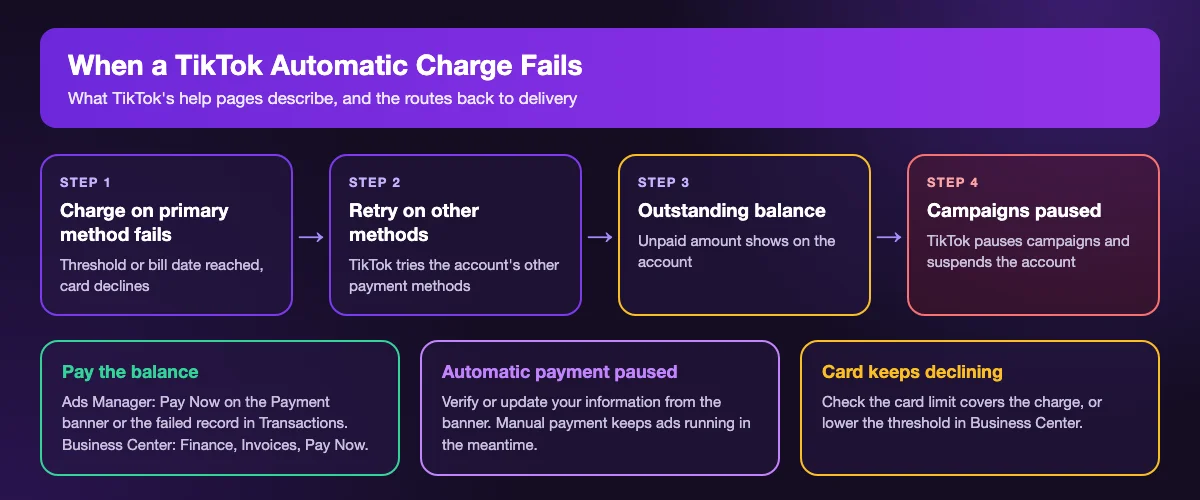
To get delivery back:
- Pay the balance: click Pay Now on the banner in Ads Manager's Payment page or on the failed record under Transactions. In Business Center, use Finance → Invoices → Pay Now.
- If automatic payment is paused, verify or update your information from the banner. Verification is required to lift the pause; manual payment keeps ads running meanwhile.
- To dispute a failed bill, click Appeal on it in Transactions.
As far as we can tell from TikTok's help pages, a suspension from an unpaid balance isn't a policy suspension, so check for a balance banner before filing a policy appeal. If the card keeps getting declined, first make sure it isn't a prepaid card, which TikTok doesn't accept for automatic payment, then work through our TikTok Ads payment failed checklist.
Can You Switch Back to Manual Payment?
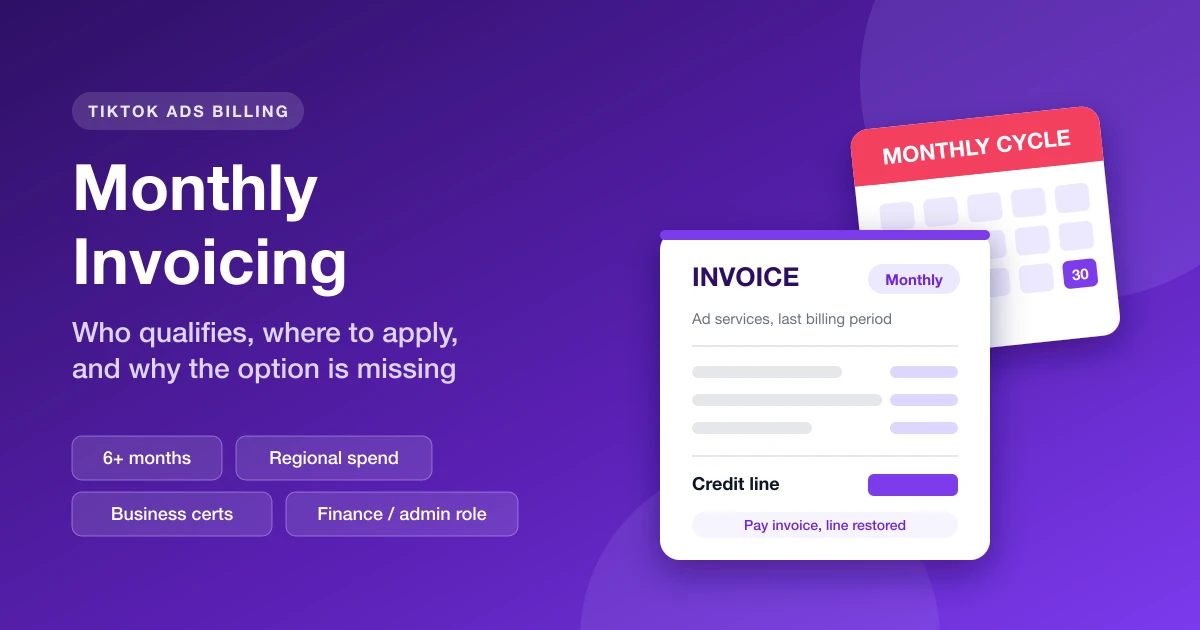
No. TikTok doesn't let an account move from automatic back to manual payment, and you can't remove your only card to stop charges because a primary payment method must stay on file. The options are TikTok monthly invoicing if you qualify, or a new ad account set to manual payment, which has its own insufficient balance pitfalls.
Keep an Eye on Account Balances
If you run several ad accounts, AdRate lets you set a balance alert threshold for each one and sends a Feishu (Lark) message when an account drops below it, so a low balance doesn't go unnoticed.
Official TikTok new advertiser program - exclusive benefits for new advertisers
Open a new TikTok ad account and earn official ad credit as you spend
Spend $200 within 30 days of signing up and get $200 in ad credit, rising to $6,000 when you spend $10,000. Credits go straight into your TikTok ad campaigns.
Coupons are issued by TikTok once it confirms you qualify as a new advertiser. Actual issuance and tiers are shown on the Coupon Progress page inside your TikTok Ads account.