How to Turn Off GMV Max (Even If TikTok Created It)
Turn off GMV Max from Shop Ads in Seller Center, spot auto-created campaigns, see which promo benefits you lose, and stop it being created next time.
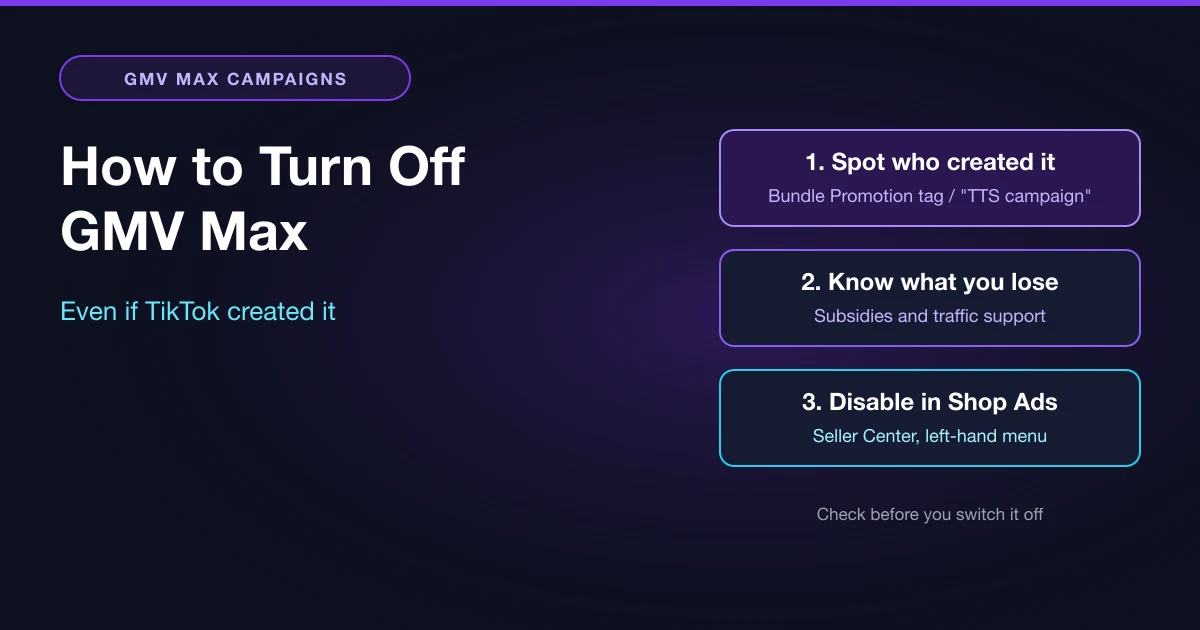
Yes, you can turn off GMV Max at any time. In Seller Center, click Shop Ads in the left-hand menu, find the campaign and disable it. That includes campaigns you never built: auto-created ones can be paused like any other. One warning first. If the campaign exists because you registered products for a platform promotion, switching it off costs those products their promotion benefits.
First, work out who created the campaign
| What you see | What it usually means | What to do |
|---|---|---|
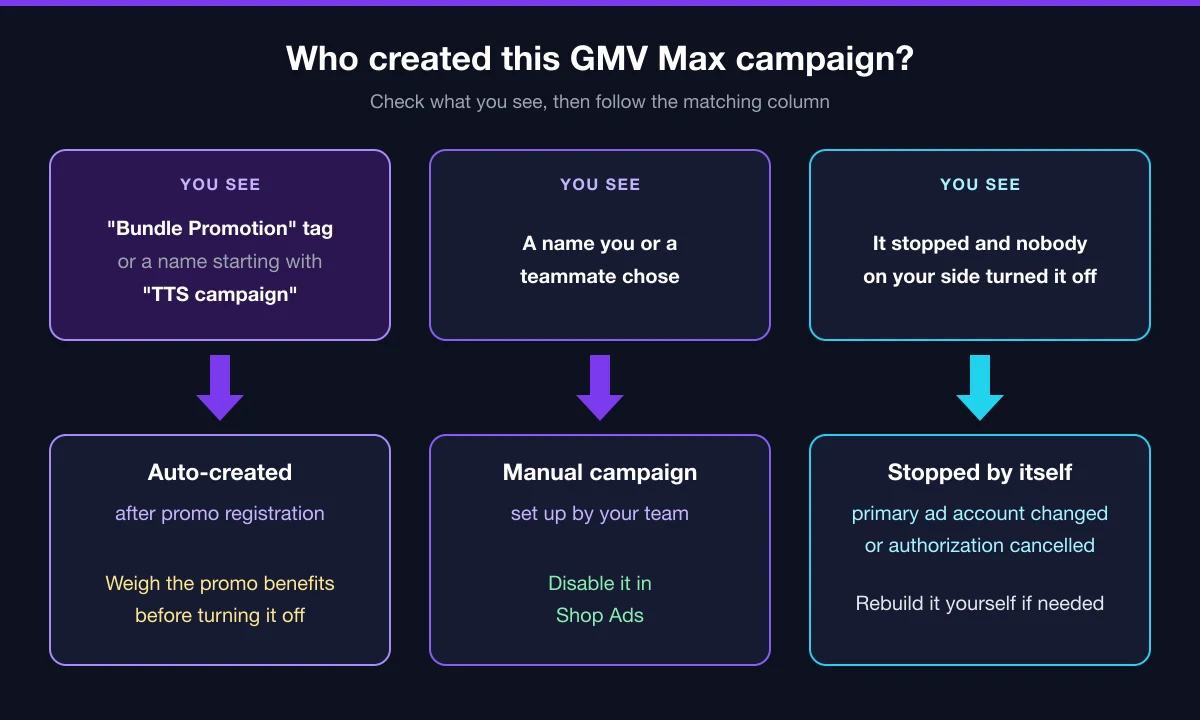
| A "Bundle Promotion" tag, or a name starting with "TTS campaign" | TikTok auto-created it after you registered products for a platform campaign | Check the cost below first |
| A name you or a teammate chose | A manual campaign | Go straight to the steps |
| It stopped and nobody on your side turned it off | You changed your GMV Max primary ad account, or ad authorization was cancelled | Rebuild it yourself if you still want it |
Auto-created campaigns can be renamed, so on a renamed one, look for the tag.
Why my shop? GMV Max is now a requirement for joining platform campaigns: once a registered product is approved, you create a GMV Max campaign or one is created for you. The button you clicked says so: Register products with GMV Max.
Don't remember registering? Check whether Campaign Auto-Registration is on; it enrolls selected products into campaigns based on your preferences. TikTok's guide to it never mentions GMV Max, so this is a likely route, not a confirmed one.
Shops in shop-wide advertising mode, or with products already in an active ads campaign, don't get auto-created campaigns, which is why a full-shop GMV Max campaign behaves differently.
What you lose when you turn off GMV Max
TikTok's Seller University is blunt: "If GMV Max is disabled, the product will lose eligibility for platform benefits, including subsidies (coupons and direct discounts) and traffic support." The Ads Help Center adds that campaigns must be "active and record ad spend," so one that is on but spending nothing doesn't protect the benefits either. And sellers fully fund auto-created ads; the platform covers none of the cost.
So the comparison is: what the coupons, discounts and traffic support are worth on these products, against what the ads are losing. One seller on Reddit put it plainly: the campaigns "cost me more than my profit." If that's you, turning it off is the right call. If ROI is merely below target, editing usually beats losing the benefits.
You may read that auto-created campaigns can't be paused or edited during the promotion. TikTok's help page says the opposite; only the schedule and the auto-generated creative are locked.
How to turn off GMV Max
In Seller Center
- Go to Seller Center and click Shop Ads in the left-hand menu.
- Find the campaign.
- Disable it.
This is also TikTok's official opt-out. We'd do it from a desktop browser.
In TikTok Ads Manager
Your campaigns sit under GMV Max at the top of the dashboard. TikTok gives no GMV Max-specific steps here, only the general rule: the On/Off switch stops delivery and spending at any time, the campaign isn't deleted, and everything under it turns off too. That's effectively how to cancel GMV Max ads.
LIVE GMV Max
A LIVE GMV Max campaign can be turned off at any time in Seller Center. LIVE GMV Max is only available in Indonesia, Vietnam, Thailand, the Philippines, Malaysia and Singapore.
The switch people flip by mistake
The same Reddit seller unchecked the authorization to pay from net sales, and "it just reverts back to being authorized right away." Payment authorization isn't the campaign. Disable the campaign itself; payment settings are a separate matter.
It won't stop on its own after the sale
Auto-created ads don't stop when the promotion ends, and withdrawing from the promotion doesn't stop them either. You turn them off yourself. Our full-shop GMV Max article covers the follow-up questions.
How to stop TikTok creating it next time
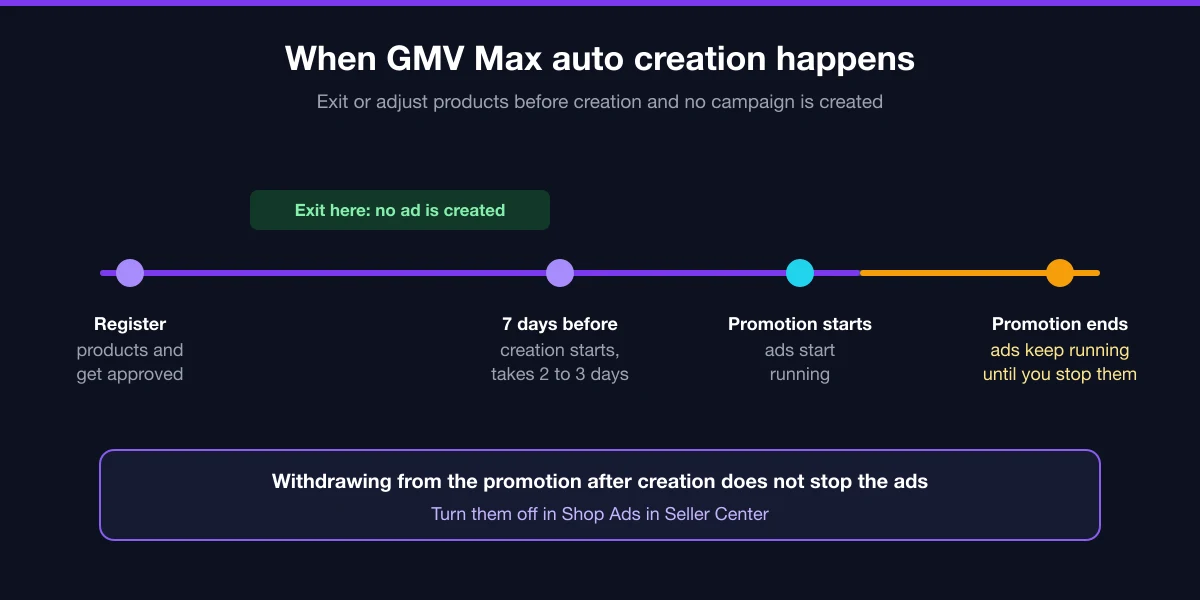
- Act before the creation window. Creation starts 7 days before the platform campaign and takes 2 to 3 days. Exit before then and no ad is created, or adjust your product selection on the registration page.
- Build your own first. Only products without a GMV Max campaign get one. Set up your own GMV Max campaign and you still receive the promotion benefits.
- Check Campaign Auto-Registration. Turning it off stops future enrollments; products already registered stay in.
Flash sales and custom registration aren't covered by auto-creation.
If you'd rather not turn it all off
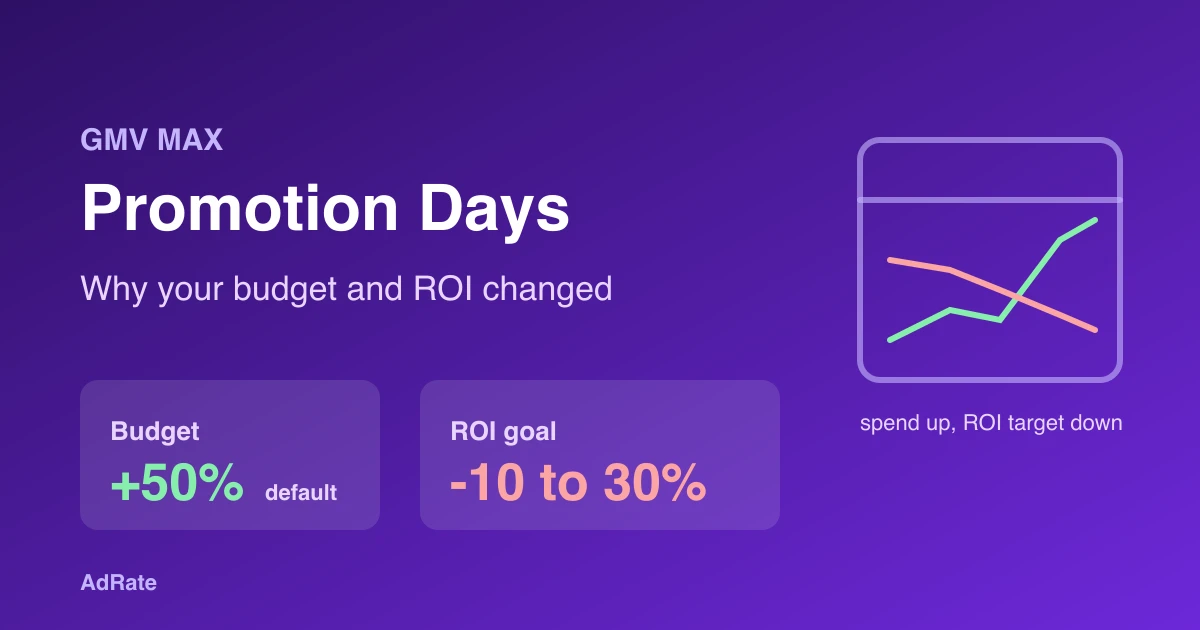
Under View details, choose Edit campaign to add products (up to 400), adjust the ROI target or change the daily budget. Promotion Days are on by default and can be changed too. You can add creative but not replace the auto-generated one.
Before pausing, read how pausing affects ROI protection. If your problem is the opposite, see why GMV Max isn't delivering.
Set a stop-loss instead of watching Seller Center
What you probably want is to stop losing money. A stop-loss does that: when ROI drops or spend passes a number you can live with, the campaign pauses or its budget comes down, without you checking every hour. AdRate's GMV Max rules are built for this. One caveat: a rule pausing a campaign mid-promotion costs the same benefits as you pausing it, so set the line by what those benefits are worth. Try AdRate free.
FAQ
Can I opt out of GMV Max auto creation?
Yes. TikTok's opt-out is disabling the campaign on the Shop Ads page, at the cost of the promotion's subsidies and visibility.
Will my old Video Shopping Ads restart?
TikTok says that when a Product GMV Max campaign ends, it won't restart your paused Video or Product Shopping Ads; you turn them back on yourself. It doesn't say what happens if you switch a campaign off mid-run, so check afterwards.
Will TikTok recreate the campaign after I turn it off?
TikTok doesn't say. It does say products deleted from an auto-created ad aren't recreated unless you exit and re-register, and a campaign stopped by, for example, cancelled authorization isn't auto-created again.
Official TikTok new advertiser program - exclusive benefits for new advertisers
Open a new TikTok ad account and earn official ad credit as you spend
Spend $200 within 30 days of signing up and get $200 in ad credit, rising to $6,000 when you spend $10,000. Credits go straight into your TikTok ad campaigns.
Coupons are issued by TikTok once it confirms you qualify as a new advertiser. Actual issuance and tiers are shown on the Coupon Progress page inside your TikTok Ads account.